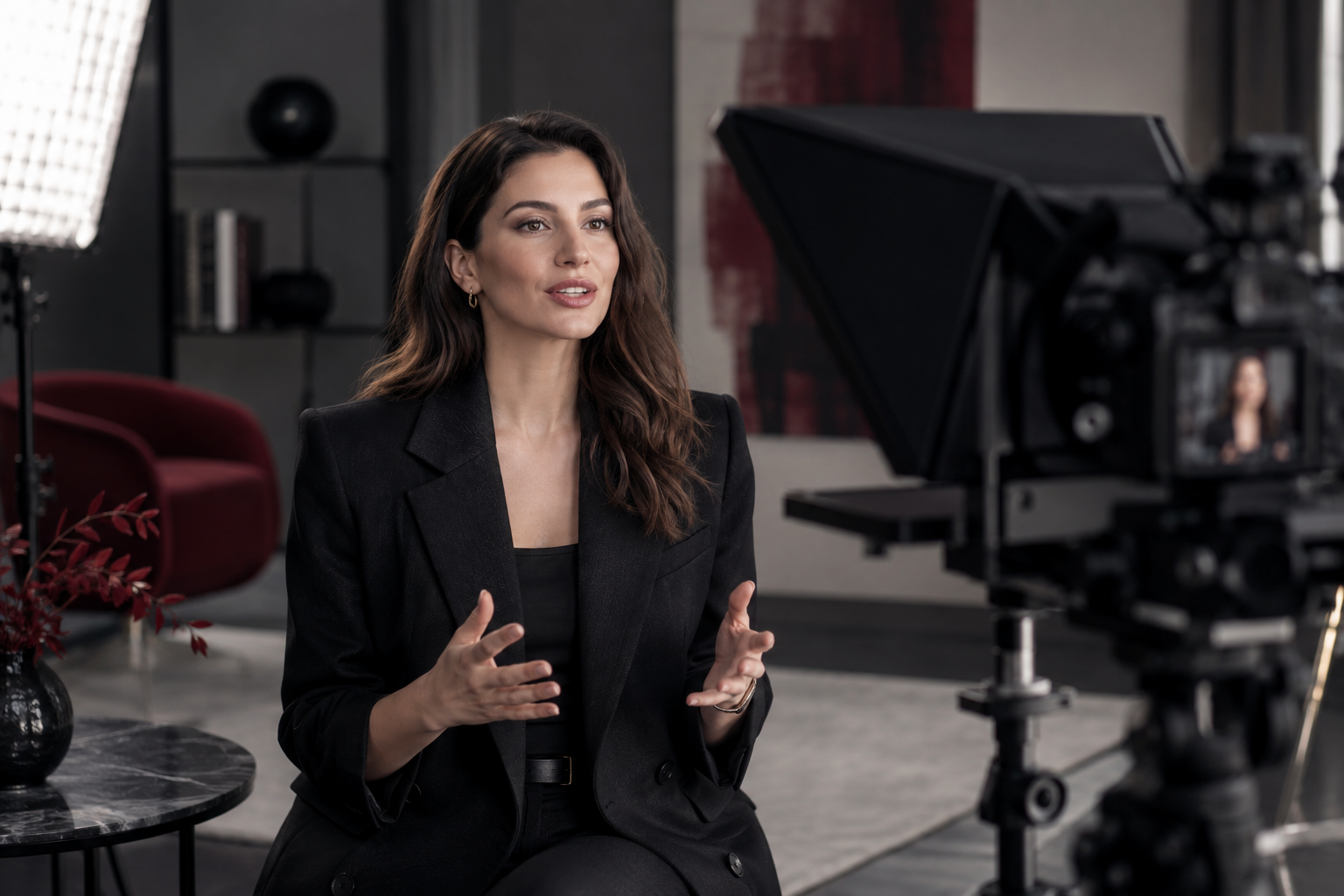
A teleprompter lets you read near the camera lens while maintaining the appearance of eye contact. Natural delivery still depends on a spoken script, comfortable pacing and a test recording.
Understand the arrangement
A conventional teleprompter reflects text from a display in a partially reflective pane in front of the lens. The camera records through it. The device displaying the script and the device recording the video may be separate, depending on the setup.
Check compatibility with your camera or phone, lens, support and display. The earlier Polish article described a particular rental model; confirm current equipment and controls with the studio rather than assuming every prompter works identically.
Write for speech
Use short sentences, familiar vocabulary and a clear sequence. Read the script aloud and remove phrases you would never say in conversation. Mark pauses and emphasis sparingly. Break long material into sections so that mistakes do not require restarting an entire presentation.
Avoid packing every detail onto the screen. The goal is a useful guide for delivery, not the fastest possible reading speed.
Test the setup before the full take
Position the lens and text around eye level. Adjust font size and line length so that your eyes do not visibly scan from side to side. Set scrolling to your natural pace. If a remote is used, test its actual buttons with the selected app; pairing alone does not prove control works.
Record a short sample and check reflections, framing, focus and sound. Confirm that the prompter or hood does not intrude into the image. Ask for help mounting unfamiliar equipment instead of forcing a fitting.
Keep the delivery human
Pause between ideas, breathe and speak to one imagined viewer. A slight variation in expression is more convincing than an uninterrupted rush through the script. Repeat difficult sections separately and leave clean pauses for editing.
Will a teleprompter remove the need to rehearse?
No. Familiarity with the message makes reading less visible and helps you recover from a mistake.
Do I need a specific paid app?
Use the studio booking checklist when planning a recorded session.
Cover: editorial illustration. It does not depict an actual KARIROOM room, included equipment, client session or preset result.