Choose continuous light when you need video or want to watch the lighting change in real time. Choose flash when your still-photography task benefits from a brief, powerful burst. Neither type is automatically softer, more flattering or more professional. The useful choice depends on what you photograph and the exposure you need.
A quick decision guide
- Portraits plus video: continuous light is the natural starting point because it illuminates the whole recording.
- Learning light direction: continuous light makes changes immediately visible. Flash with a modelling lamp can also help you preview placement.
- Moving subjects: flash can freeze movement when its effective duration is short enough and ambient light is controlled.
- Small apertures and low ISO for stills: compare actual usable output after the modifier. Flash is often a practical option, but the specific fixtures and distances matter.
- Mobile content: continuous light avoids relying on a phone's compatibility with an external flash trigger.
Soft light is not a synonym for LED
A small LED source can produce hard shadows. Flash through a large modifier can produce soft ones. Source size relative to the subject and placement shape the transition into shadow. Moving a softbox changes both the look and the exposure, so compare positions before blaming the type of lamp.
What changes when you use continuous light?
You can see shadows, background spill and reflections while arranging the scene. That is particularly useful when learning or making stills and short video clips during the same session. It is still worth taking test frames: your eyes adapt to brightness, while the camera records according to its settings.
The practical limitation is the exposure available at your working distance. A modifier absorbs some light. If your subject moves and you need a faster shutter, you may need more output, a wider aperture or higher ISO. Test the combination you will actually use, not just the bare lamp.
For video, also check fan noise, colour consistency and flicker at your chosen recording settings. These are equipment-specific questions, not properties guaranteed by the word LED. A short test recording is more informative than assuming every fixture behaves the same.
What changes when you use flash?
Flash adds a short burst during the exposure. You need a compatible firing method and a shutter configuration supported by your camera and flash system. Check your equipment settings rather than adopting one universal sync speed. Balance flash exposure and ambient light separately; available controls depend on your camera, trigger and flash.
Freezing movement depends on flash duration, not simply the power label on the lamp. Duration can change with the output setting and operating mode. Compare duration figures at the power setting you intend to use, and check whether they use the same measurement standard. Test movement in your own setup.
Ambient light can still record during the exposure and create a visible trail. If a moving subject is sharp in one part and blurred in another, investigate the balance of ambient and flash before assuming that the flash failed.
Compare a complete setup, not just a watt number
Electrical watts for a continuous fixture and watt-seconds for a flash describe different things and are not a direct brightness conversion. For a useful comparison, keep the subject, modifier, distance, framing and intended camera settings consistent. Then assess whether each system gives you the exposure and quality you need.
Include the stand, modifier, trigger or cables, power supply and practical working space in your decision. A lamp that looks ideal alone may be awkward once the rest of the setup is added.
Try this before buying more equipment
- Define one real task, such as a seated portrait plus a short talking-head clip.
- Test one light with the modifier you intend to use.
- Move the source and note how shadow shape changes.
- Check sharpness, highlight detail and background control in the files.
- For video, record sound and inspect a clip at the intended settings.
Start with our three beginner lighting exercises. If you want a structured introduction to sources, modifiers and direction, explore the KARIROOM Studio Lighting Encyclopedia. The currently offered PDF is in Polish; the English page describes that edition.
Frequently asked questions
Can continuous light produce professional portraits?
Yes, when its output, colour quality and practical characteristics fit the task. The final result is not determined by the light category alone.
Can I use both?
Yes, but introduce one source at a time. Combining them means controlling colour, exposure and movement across both, which is easier once you understand each separately.
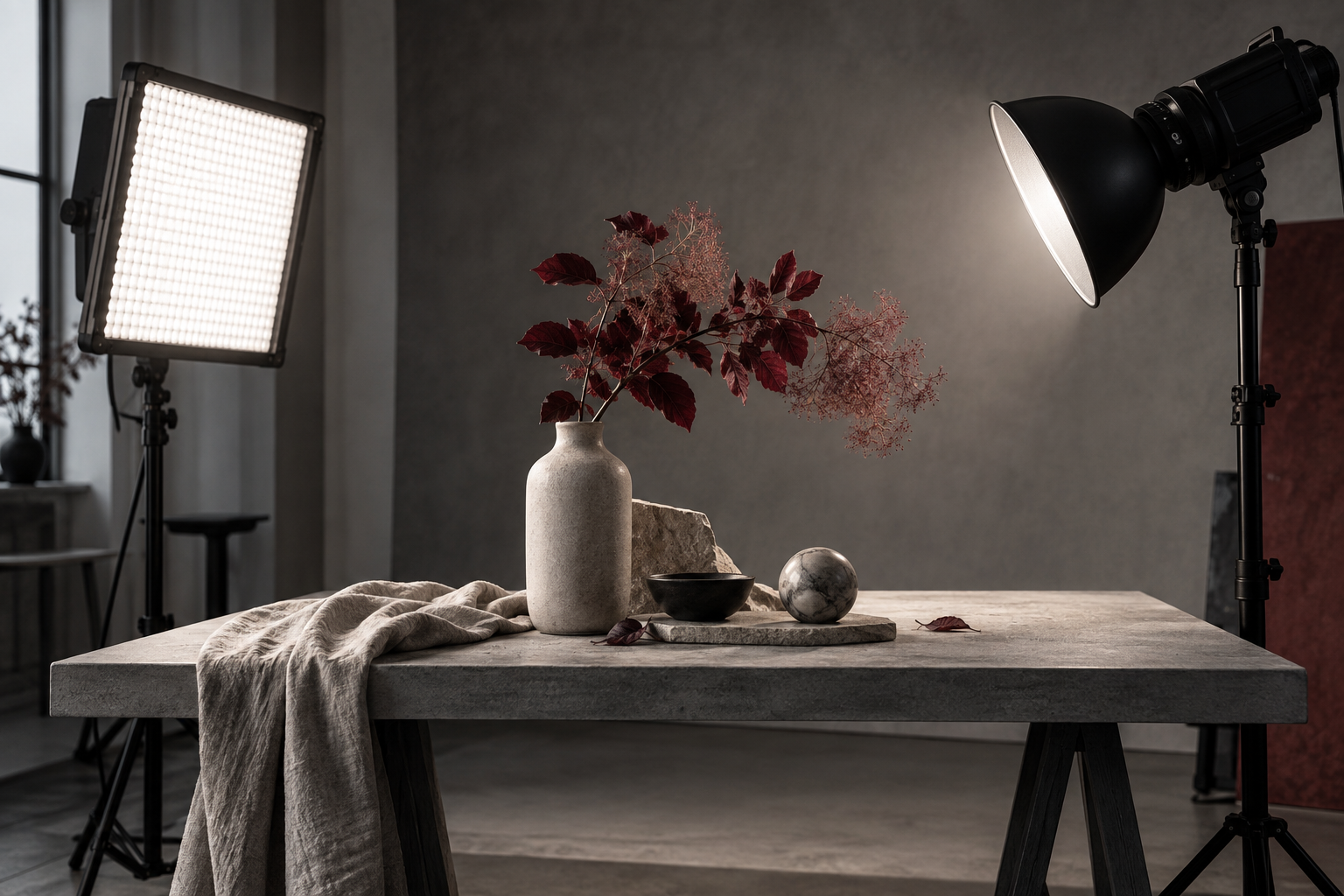
Cover: conceptual illustration, not a comparison test or a photograph of KARIROOM's equipment inventory.